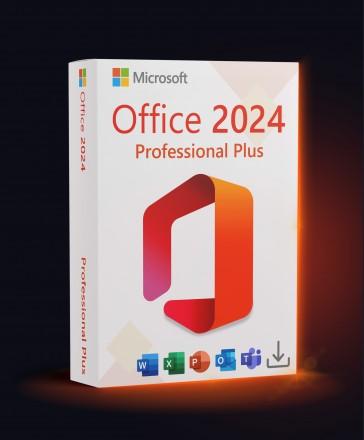
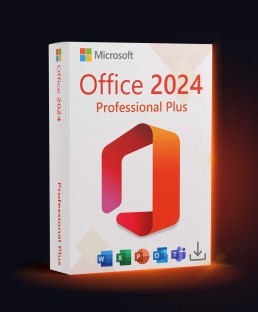
Microsoft Office Professional Plus 2024 LTSC – Phone Activation
Platform
Windows
Release Date
October 1 2024
Delivery payment
Instant Digital Delivery
Region
Worldwide
Languages
 English
 Spanish
 French
English
Spanish
French
+14 +15
French
German
Italian
Portuguese
Dutch
Polish
Romanian
Czech
Ukrainian
Arabic
Turkish
Japanese
Korean
Russian
Chinese
About this product
Microsoft Office Professional Plus 2024 – Phone Activation – Lifetime License
Microsoft Office Professional Plus 2024 is a complete productivity suite designed for professionals, businesses, and advanced users who need powerful Office applications without a subscription.
✔ One-time purchase
✔ No monthly fees
✔ Phone activation support
What’s Included in Office 2024 Pro Plus?
- Word 2024 – Professional document creation and editing
- Excel 2024 – Advanced spreadsheets, formulas, charts & data tools
- PowerPoint 2024 – Modern presentations with polished visual tools
- Outlook 2024 – Email, calendar and task management
- Access 2024 – Database creation and management tools
- OneNote – Digital note-taking and organization
Why Choose Office 2024 Professional Plus?
- Lifetime license – buy once, use forever
- No Microsoft 365 subscription required
- Designed for business & professional use
- Optimized for Windows systems
System Requirements
- Minimum: Windows 10 / Windows 11; 2-core 1.1 GHz; Direct3D 9.1+; 4 GB RAM; 4 GB storage
- Recommended: Windows 10 / Windows 11; 4-core 2.0 GHz; Direct3D 9.1+; 8 GB RAM; 10 GB SSD free space
- Internet connection for activation
License Information
- License type: LTSC, lifetime (one-time purchase)
- Activation: Digital product key
- Devices: 1 PC
- Delivery: Instant digital delivery
Boost your productivity today with Microsoft Office Professional Plus 2024.


Requirements
Minimum
System:
Windows 10 / Windows 11
Processor:
2-core 1.1 GHz
Graphics:
Direct3D 9.1+
Memory:
4 GB RAM
Storage:
4 GB available disk space
Recommended
System:
Windows 10 / Windows 11
Processor:
4-core 2.0 GHz
Graphics:
Direct3D 9.1+
Memory:
8 GB RAM
Storage:
10 GB SSD free space
How to activate
Phone Activation Explained: How to Activate Without Calling
- Enter the key the usual way. When online activation refuses it, choose Activate by phone — that is expected, not a fault.
- Pick any country, then copy the Installation ID shown on screen.
- Paste it into the Microsoft Activation Portal (no call needed), type the Confirmation ID back into the same window — and keep that window open the whole time.
Instant Delivery
Digital Key
€11.43
Friendly Return Policy
Fast Checkout process
Convenient Payment Options
Windows 11 Pro + Office 2024 Pro Plus
€20.66
€17.59
-15%
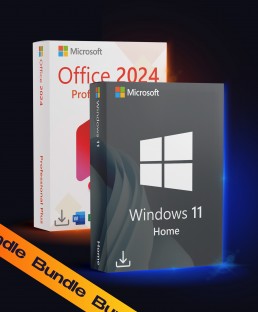
Windows 11 Home + Office 2024 Pro Plus
€18.46
€16.27
-12%
Office Standard 2024 LTSC
€10.99